Raspberry Pis are interesting
Diving into Raspberry Pi OS, headless Linux administration, and setting up network-wide ad blocking.
Stepping into Raspberry Pi OS
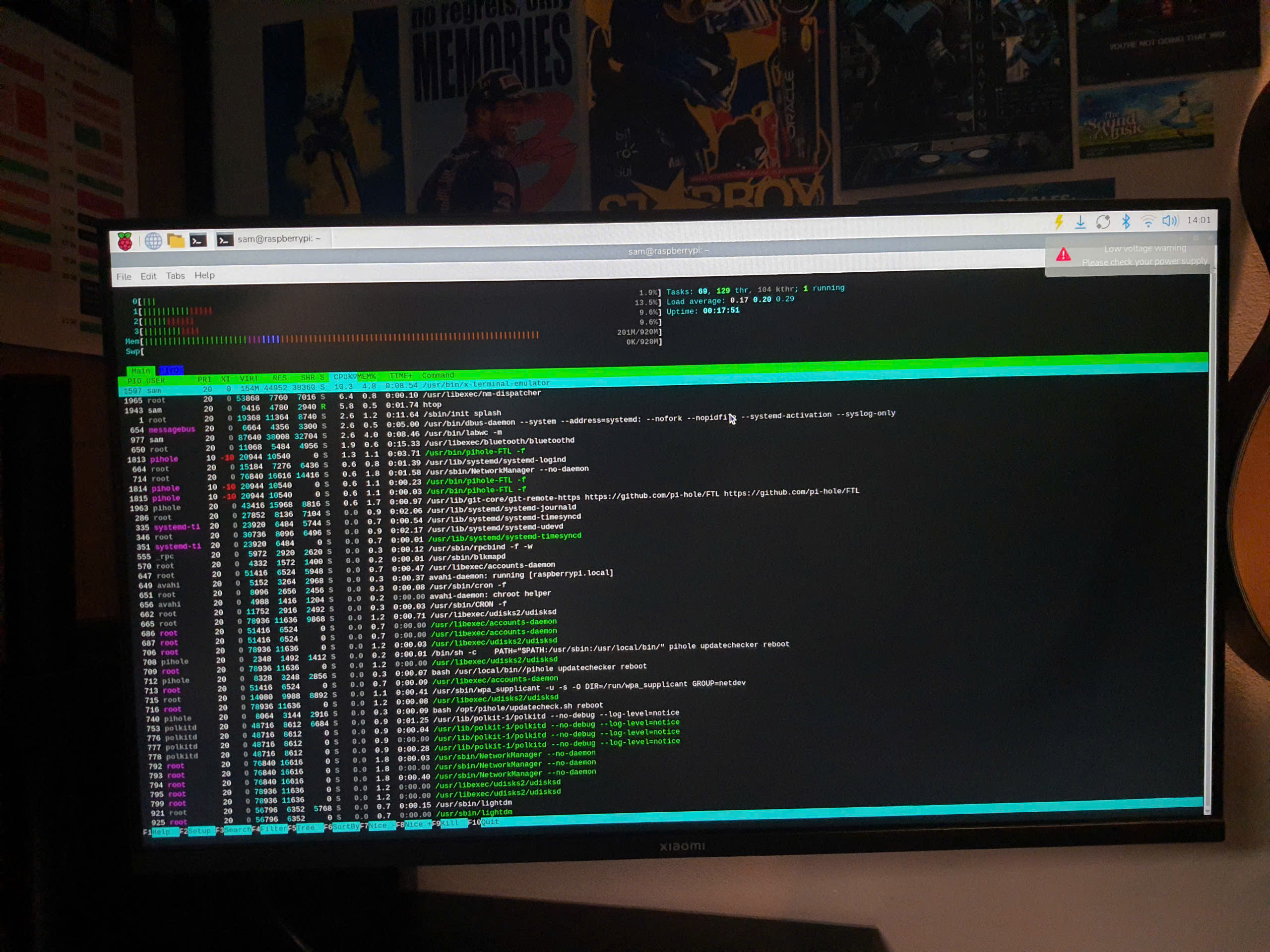
Hardware tinkering has always been a fascination of mine, but software-wise, diving deeper into Linux and managing a headless single-board computer is a whole different kind of rewarding. Recently, I got my hands on a Raspberry Pi 3B and set out to understand the ins and outs of this magnificent hardware.
Moving away from a graphical desktop environment to operating entirely through CLI taught me a lot. Breaking things and having to reflash the SD card became part of the tuition...
Building a Pi-hole
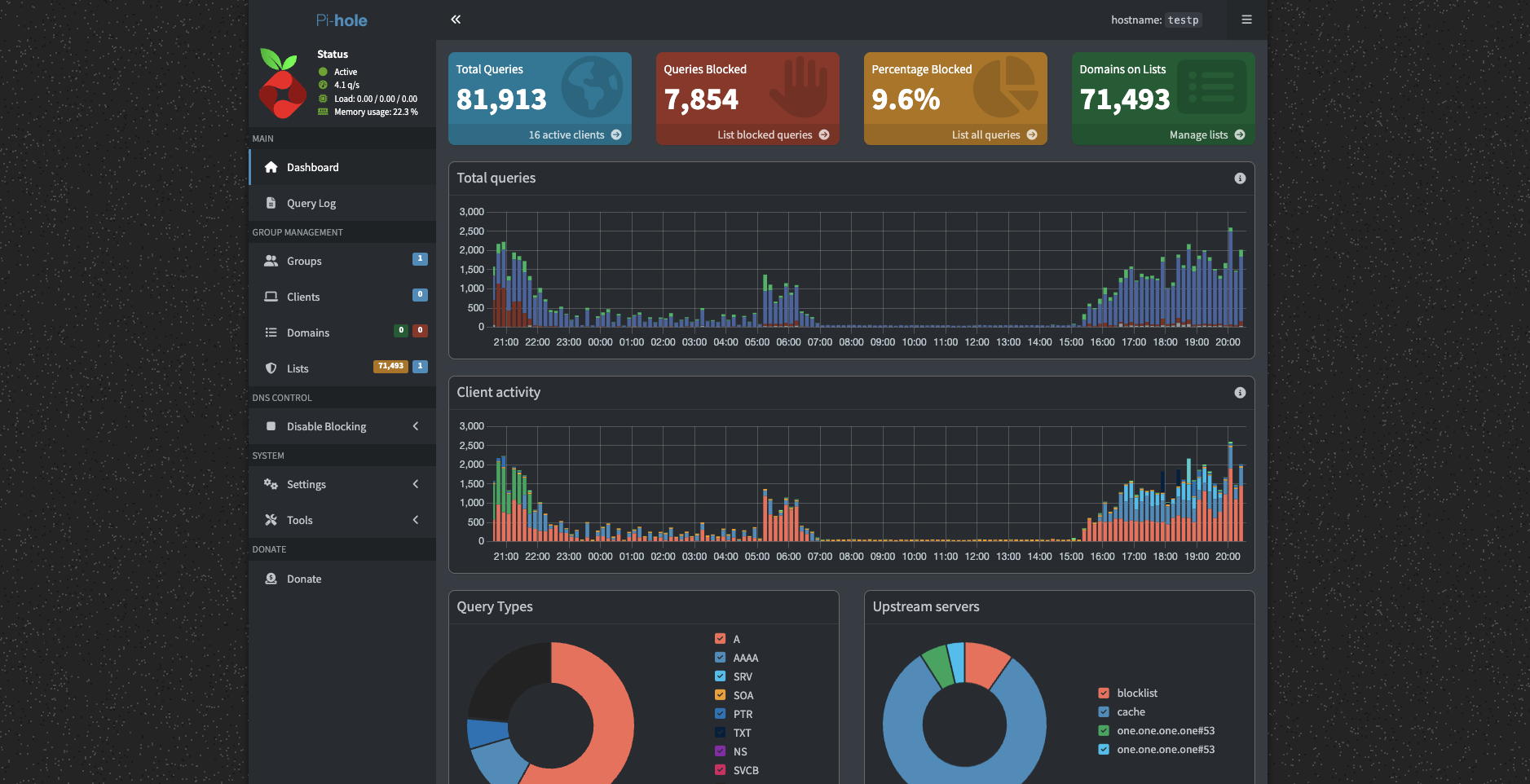
With the Pi up and running, I wanted a practical project - which was when I decided to install Pi-hole, acting as a DNS sinkhole for network-wide ad blocking.
The installation process was remarkably straightforward, but configuring my router to hand out the Pi’s IP as the primary DNS server required lots of work. Firstly, I didn't know my router gateway credentials, so that took an entire week to figure out (including calling support from my ISP, which was not pleasant). So once setting up DNS to route to the Pi and binding my it to a static IP was complete, as well as configuring SSH for a headless setup, it was all good to go!In all honesty, the thing shouldnt've taken so long, but figuring it out myself was the rewarding part of it, I guess.