A Spotify visualiser for less than $10
How I turned a need into a nightmare working with the CYD.
That itch is what led me down the topic of microcontrollers. What started as a casual weekend need turned into a growing interest - building a desktop dashboard that breathes life into my workspace, without the need to manually check myself.
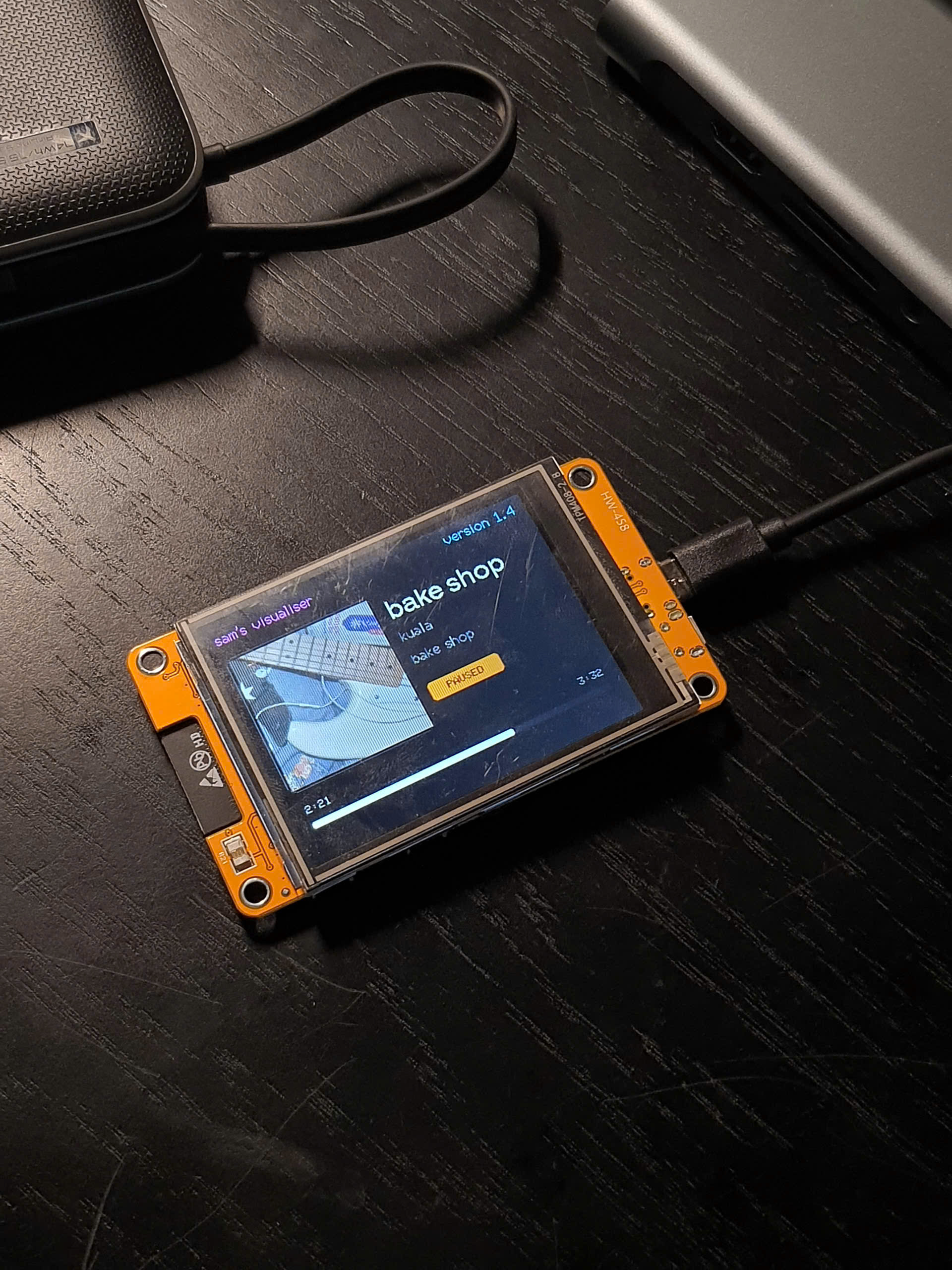
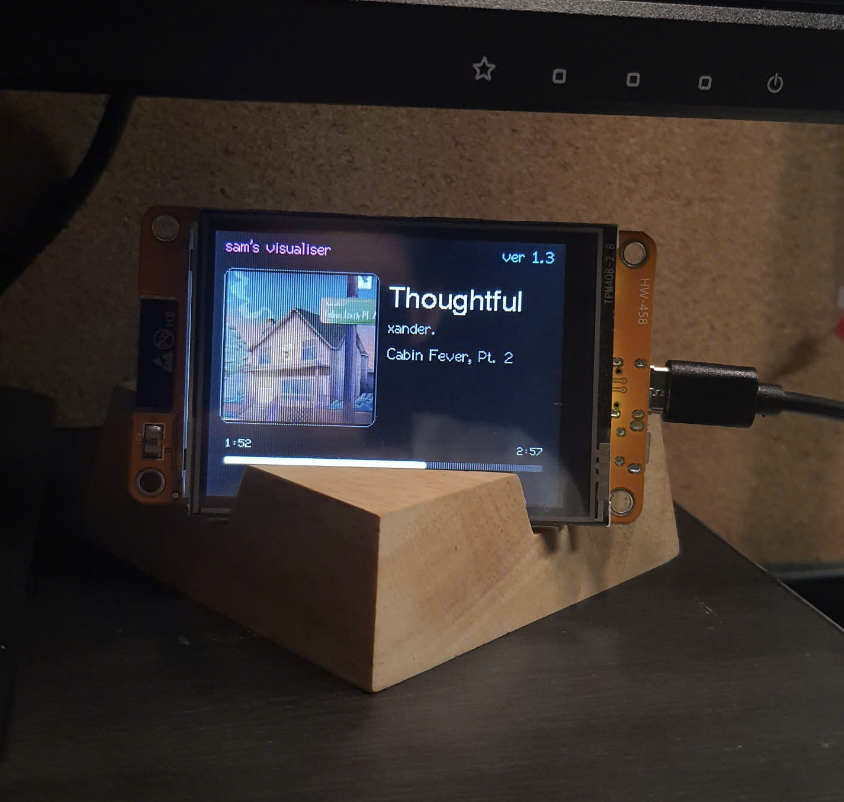
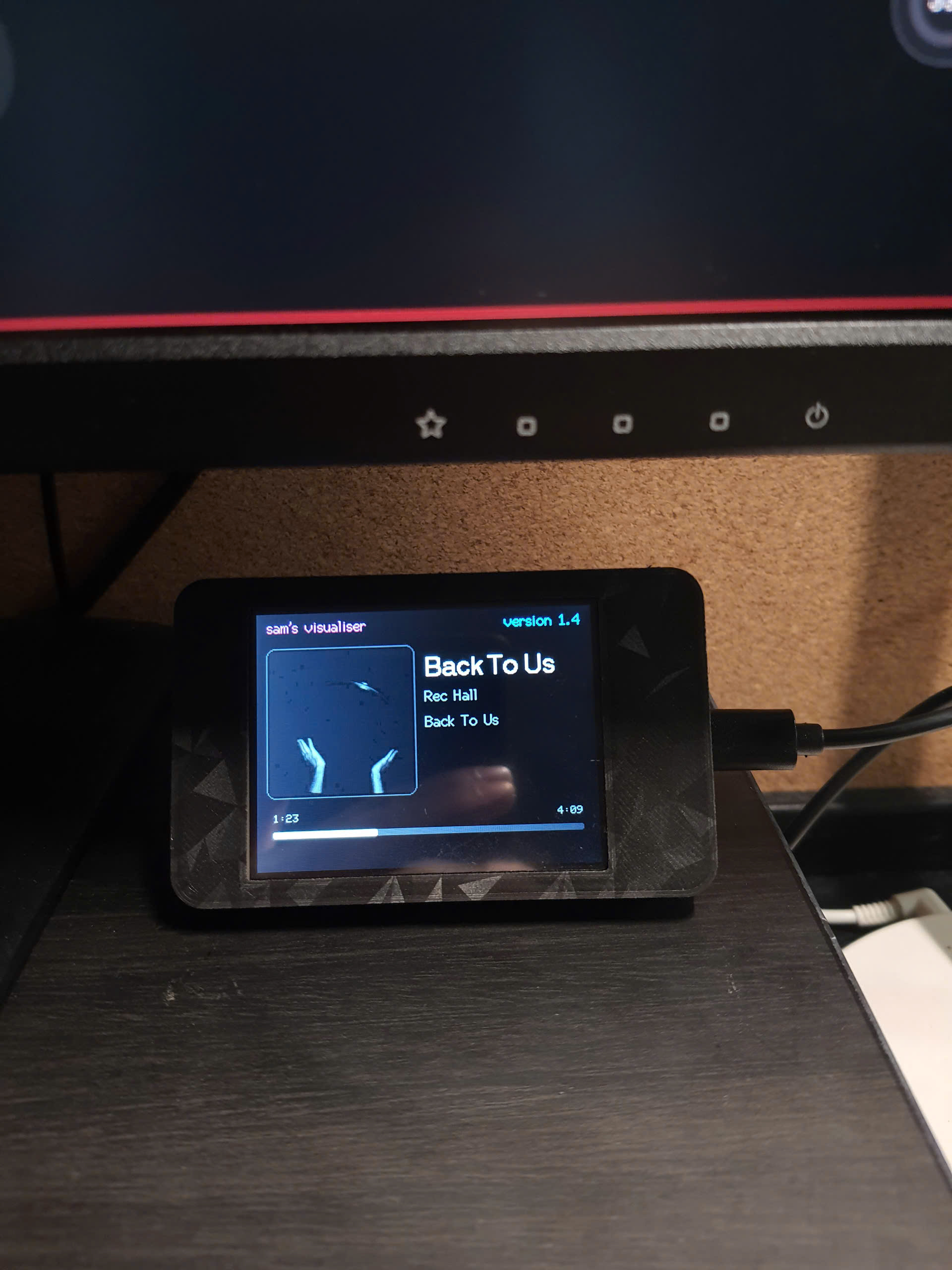
Every good desk gadget needs a dual personality. When I'm locked into deep focus and the room is quiet, my workspace shouldn't really scream for attention. So the idle state is a digital clock which stares back at me, flanked by localised weather icons and a subtle date readout.
Fighting the pixel wars
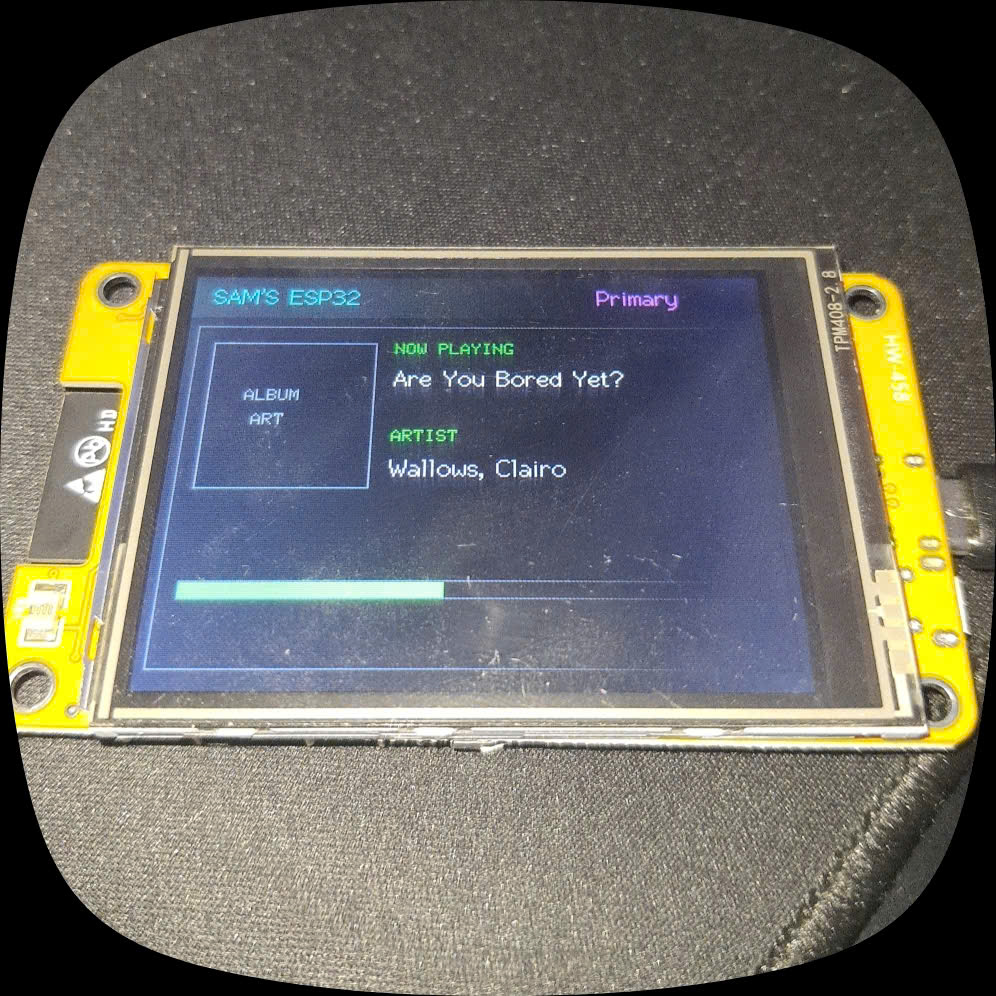
Building for a 320x240 screen is equal parts liberating and agonizing. Every single pixel counts.
Early on, my album art was behaving like a stubborn puzzle piece, rendering only half of the cover or clipping awkwardly off the edges because the container size didn't match the scaled-down JPEG output. Worse yet, when long track titles kicked in, they collided straight into the progress bar, creating a cluttered mess.
Fixing it meant dialing in the math, (since I actually have no clue if there's a UI visualiser for ESP32s):
-
Centering the album art precisely within a 150x150 boundary so 300x300 JPEGs decode cleanly.
-
Creating a dedicated vertical hierarchy (
TITLE_Y,ARTIST_Y,ALBUM_Y) with protective spacing buffers. -
Padding the bottom layout so the elapsed time numbers and the progress bar never step on each other's toes.
Debugging
The biggest heartbreak of working with hardware isn't wiring mistakes or bad code; it's the random bugs that happen to appear in the middle of the night.
In my early versions, the display would run flawlessly for a few hours, and then completely lock up. I’d walk back to my desk to find a frozen screen, forcing me to yank the USB-C cable and replug it.
The culprit? Heap fragmentation. Every time a track changed, my
code was dynamically calling malloc() and
free() to handle the incoming 40KB JPEG image buffer.
Over hours of continuous API polling, the ESP32's heap memory
became Swiss cheese until it choked and crashed.
So I killed dynamic allocation entirely for the buffer. By
pre-allocating a global jpgBuffer right at startup,
the memory footprint stays dead-steady. The board doesn't have to
scramble for breathing room anymore, making it stable enough to
run indefinitely. I'm still on the lookout for many more
unprecedented problems.
Aesthetics
Final Thoughts: Why We Build
At the end of the day, plugging a raw microcontroller into a USB port and watching it come alive with your own layout, your own fonts, and your own API keys is an unmatched feeling! In case you want to spin up your own desktop companion, the source code and everything else is linked in my GitHub. (I update it regularly for bugs, and feel free to suggest changes).
If you've got an ESP32 CYD gathering dust in a drawer somewhere, pull it out, flash the code, and give your desk the companion it deserves.